New Year Codebase Health Check: A January Checklist for Development Teams
A practical January checklist for development teams: audit dependencies, target test coverage, prune...


Most cloud computing starts with a server you have to keep alive. AWS Lambda takes that away: you hand over a function, and it runs when something calls it. Nothing sits idle overnight, no operating system needs patching at the weekend, and your bill usually tracks the work that was actually done rather than the machines you reserved.
"Serverless" is a slightly misleading name. There is plenty of server involved — you just never log into it. What you give up in control, you gain in time. What follows is how Lambda really works, why the first request to a fresh function can feel sluggish, how the pricing maths runs, and where a container is still the better answer.
Every Lambda deployment contains three things: your code, a runtime (Node.js, Python, Java, Go, .NET, Ruby, or a custom one), and a handler — the specific function AWS calls when an event arrives. You also attach an IAM role, which decides what your code is allowed to touch. That role is where a lot of first projects go wrong. A function that cannot read from S3 usually has a permissions problem, not a coding problem.
When an invocation arrives, AWS checks whether an execution environment for your function is already sitting warm. If one is, your handler runs almost immediately. If not, the platform creates one: a lightweight micro-virtual machine, the runtime, and any code you run outside the handler. That gap is the cold start.
Environments are reused, so variables and objects created outside the handler survive between invocations. That is why database clients and SDK objects belong at module level rather than inside the handler. Do not treat them as permanent, though; AWS can recycle an environment at any time, so anything that must persist belongs in a database or object store.
A cold start is the price of not paying for idle servers. In practice it is often tens of milliseconds, occasionally a second or more. The things that push it upwards are predictable: a large deployment package, a heavy runtime such as Java or .NET with a big framework, initialisation code that opens connections or loads models, and — less of an issue than it once was — attaching a function to a VPC.
If latency is critical, start with the cheap fixes. Trim the package, keep dependencies lean, and move slow initialisation outside the handler only when that object is genuinely needed on every call. Consider the Arm-based Graviton runtime too, which tends to cost less and often runs slightly faster. Beyond that, provisioned concurrency keeps a set number of environments ready, but you pay for them whether they are used or not. SnapStart, available for Java, takes a different route by snapshotting an initialised environment.
The bill has two parts: a charge per request, and a charge for compute time measured in gigabyte-seconds — memory multiplied by how long the function ran. Time is measured in small increments, so a function finishing in 40 milliseconds is not rounded up to a full second. A monthly free tier covers a reasonable amount of both for small projects; check the current allowances before you plan around them.
Memory is the dial that catches people out. Choosing 1,024 MB instead of 256 MB costs roughly four times as much per second, but it also gives your function around four times the CPU. Sometimes the faster run is the cheaper one. Test a few memory settings against a realistic workload and compare total cost, not the per-second rate.
Watch the surrounding services as well. A function inside a VPC that talks to the public internet routes through a NAT gateway, and that data processing charge can dwarf the Lambda bill. API Gateway, CloudWatch Logs and data transfer all add up too.
Lambda and containers solve overlapping problems, and plenty of systems use both. The deciding factors are usually runtime, traffic pattern, and how much operational control you need.
Choose Lambda when:
Choose containers on ECS, EKS or Fargate when:
If you can describe a piece of work as "when this happens, do that", Lambda is probably a good fit.
Pick something small and real: a webhook receiver, a scheduled job that emails a report, or a function that creates a thumbnail when an image lands in S3. Deploy it with a framework such as AWS SAM or the CDK so your infrastructure lives in version control, test it locally before pushing, and add an alarm on errors. Once one function runs smoothly, the rest of the model falls into place quickly.
If you are weighing Lambda against containers, price your actual traffic rather than a theoretical worst case. Most teams land on a mix — Lambda for events and glue, containers for steady heavy lifting — and that is usually the least dramatic, most durable answer.
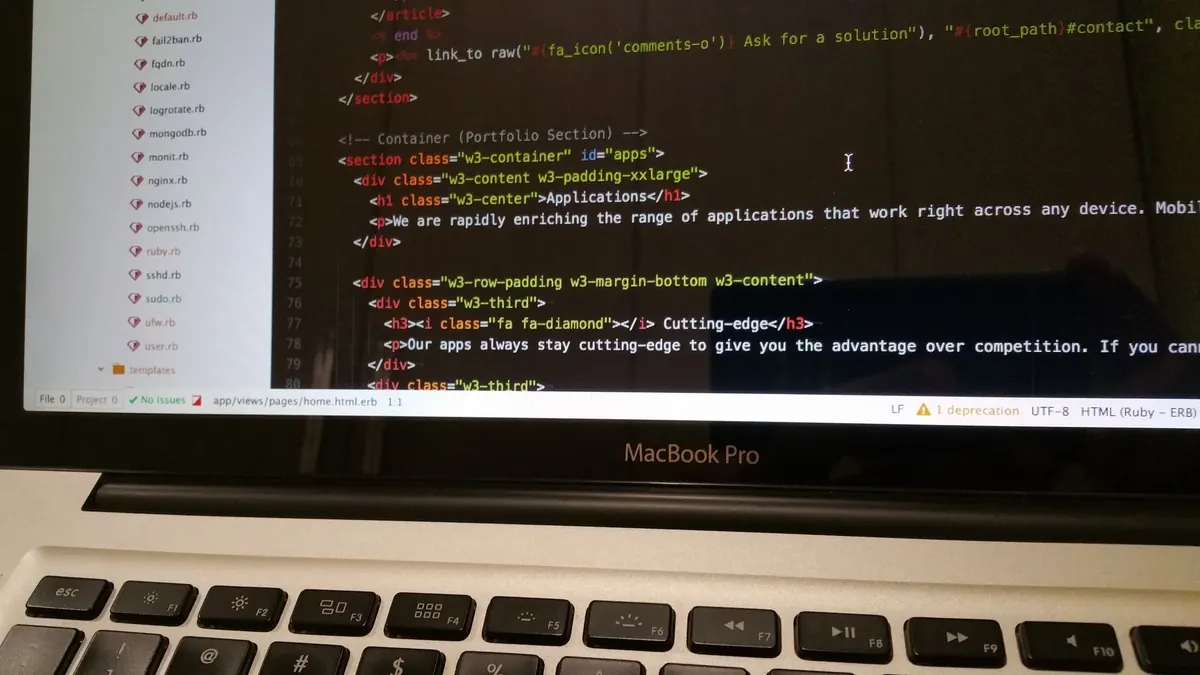
Photo: cookieone / Pixabay
A practical January checklist for development teams: audit dependencies, target test coverage, prune...
CSS Grid usually breaks on mobile because of sizing floors, not the grid itself. Here's why implicit...
A practical checklist for keeping personal data out of application logs, setting sensible retention...